

See your finishes in a complete space
Let customers preview interiors with your products, online or at your showroom.
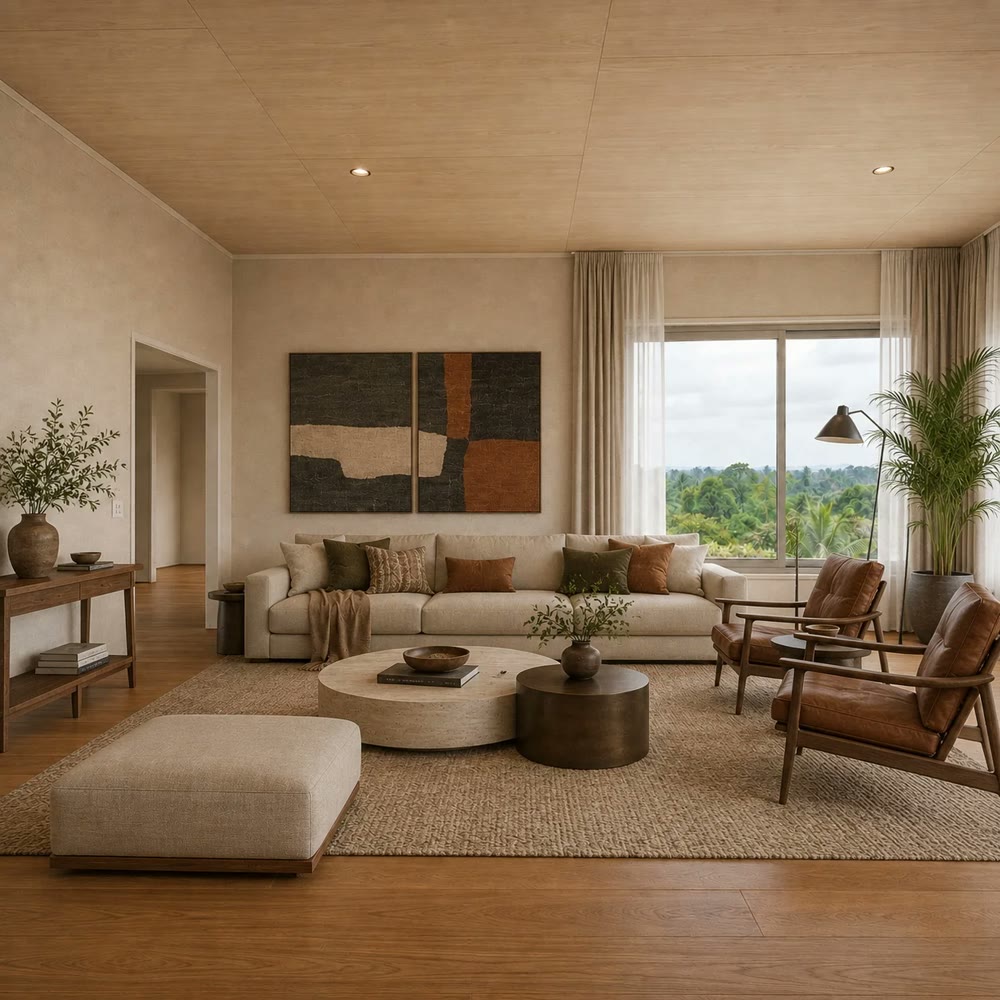
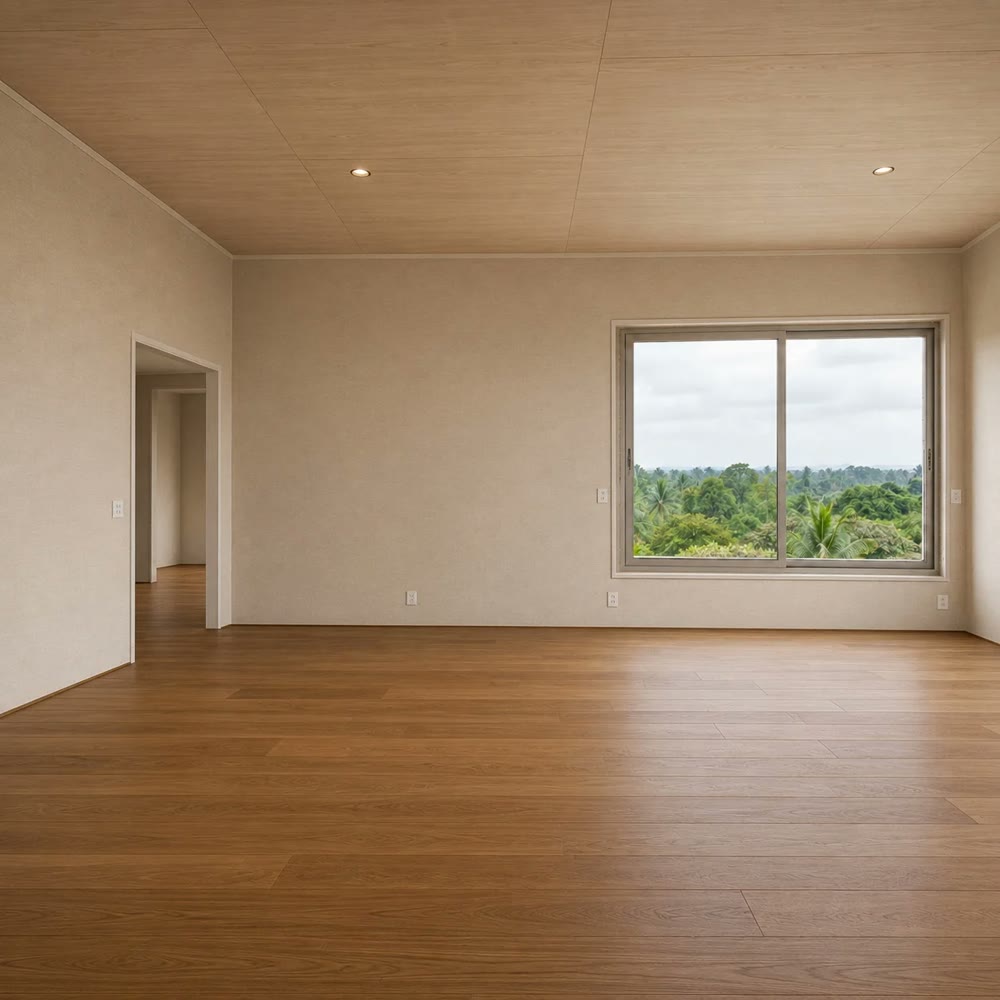
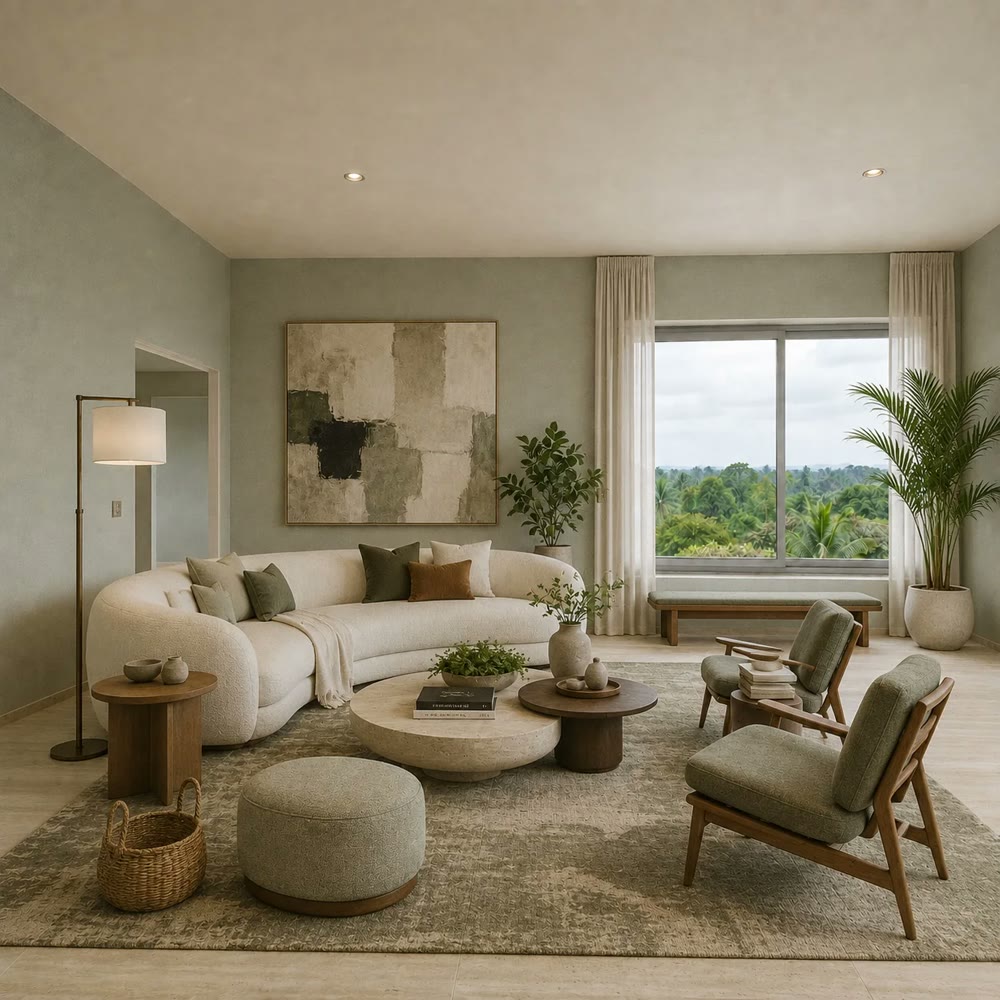
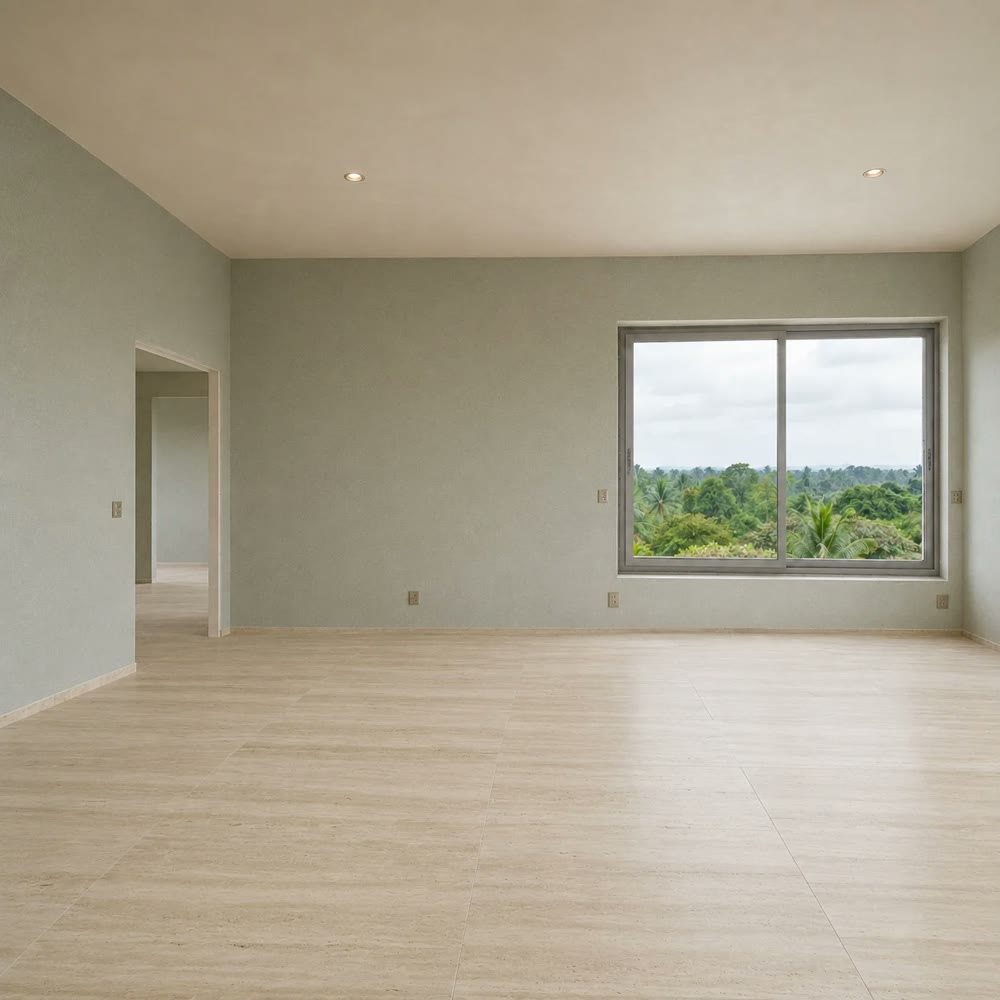
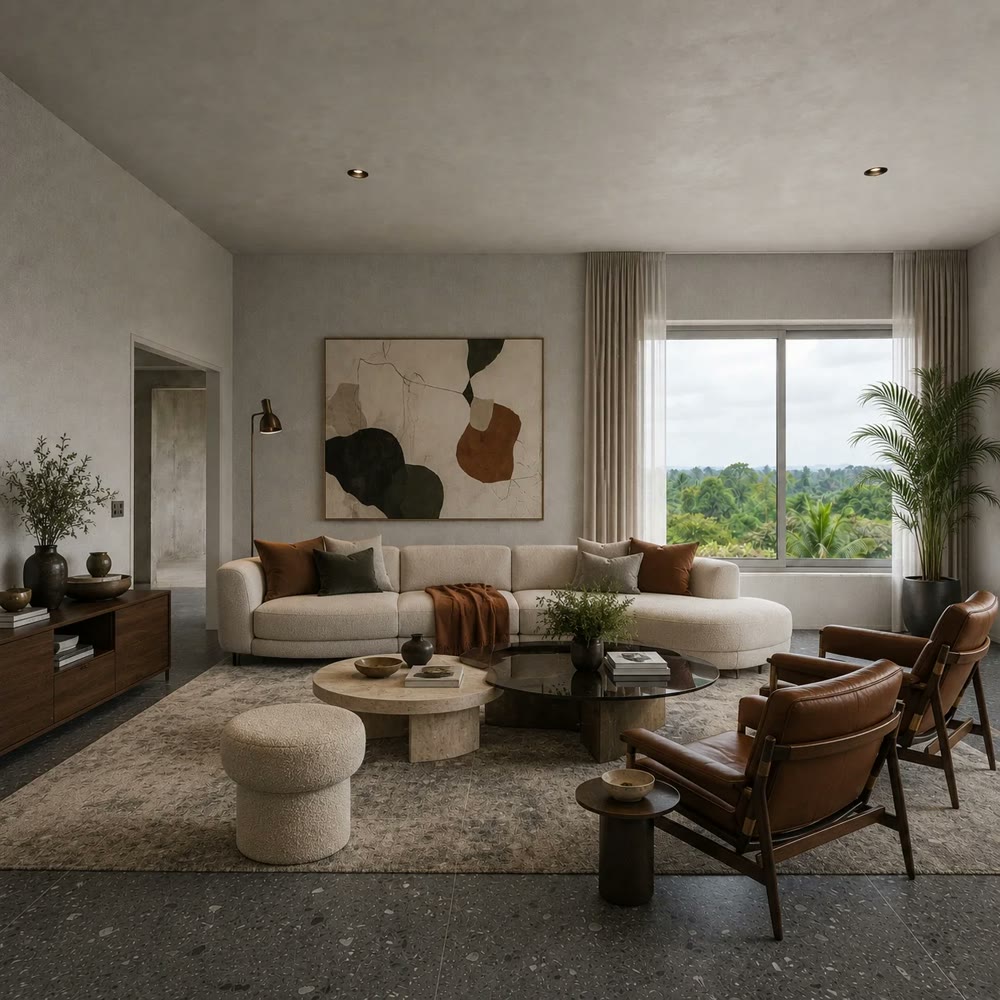
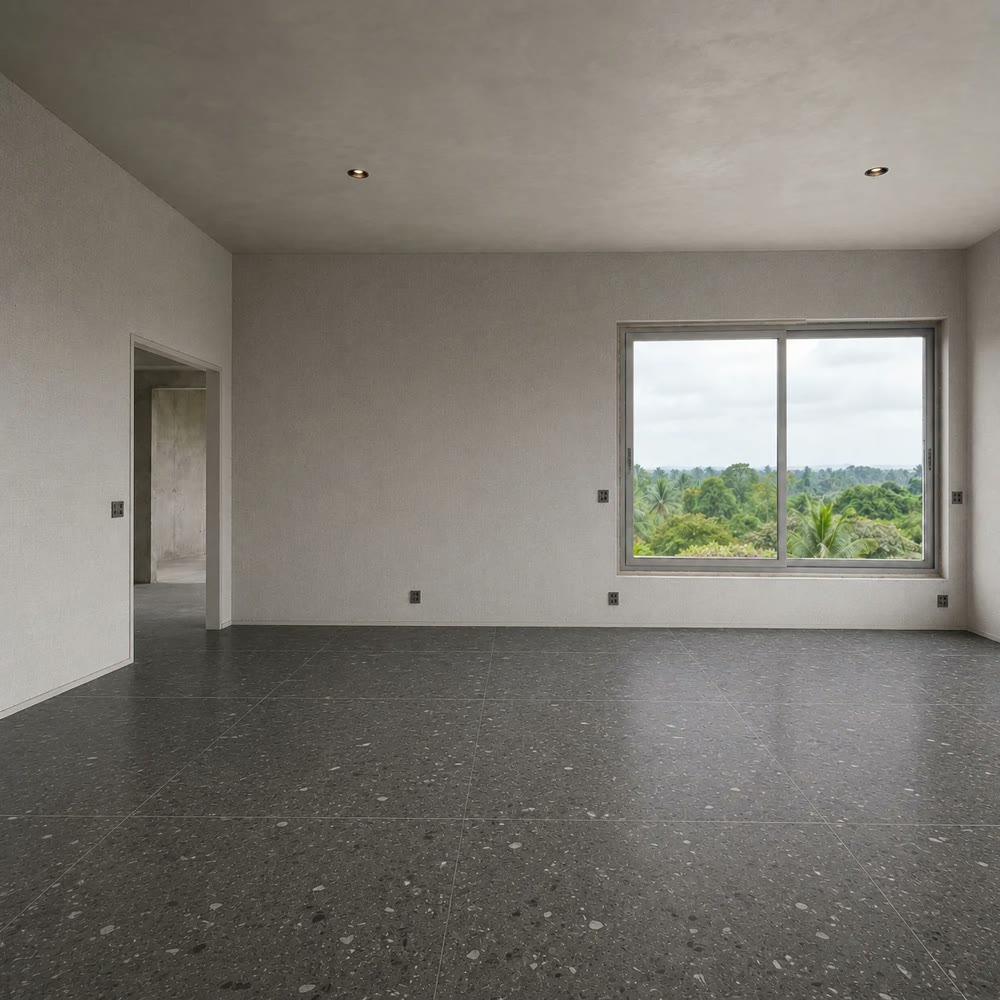
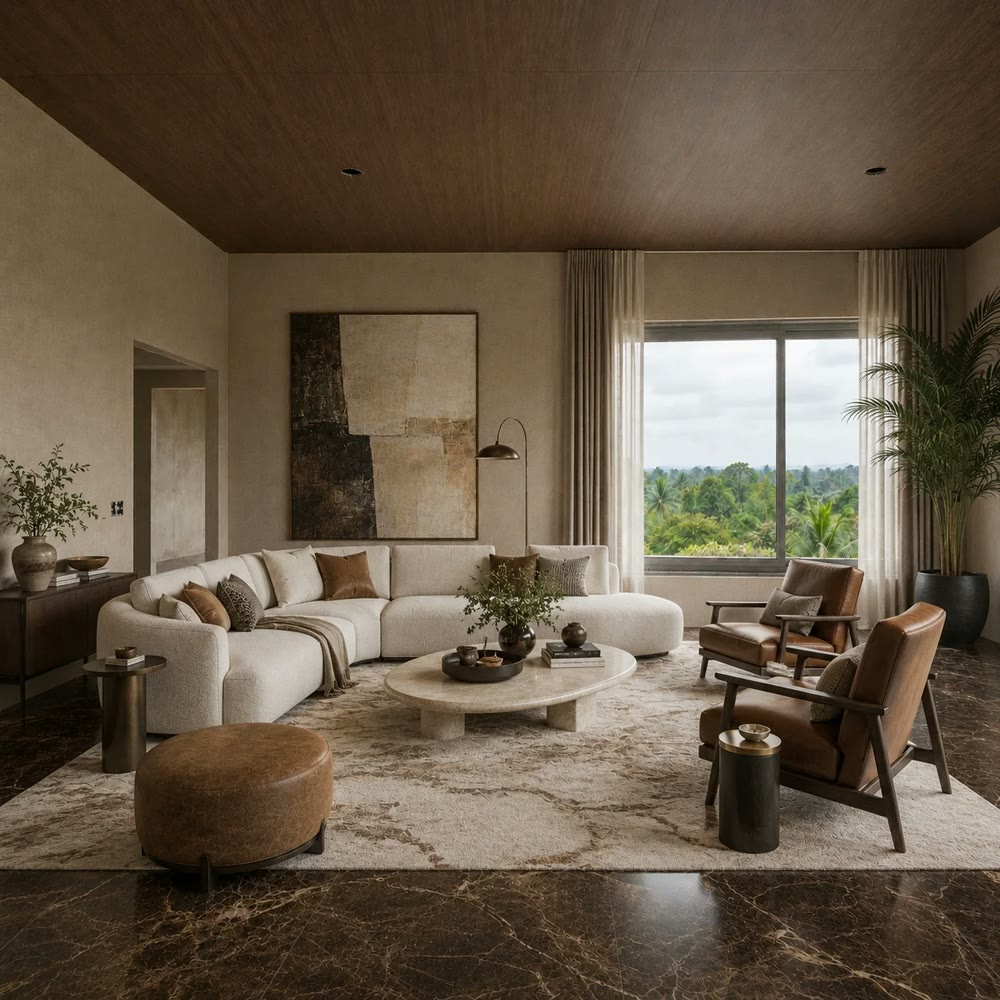
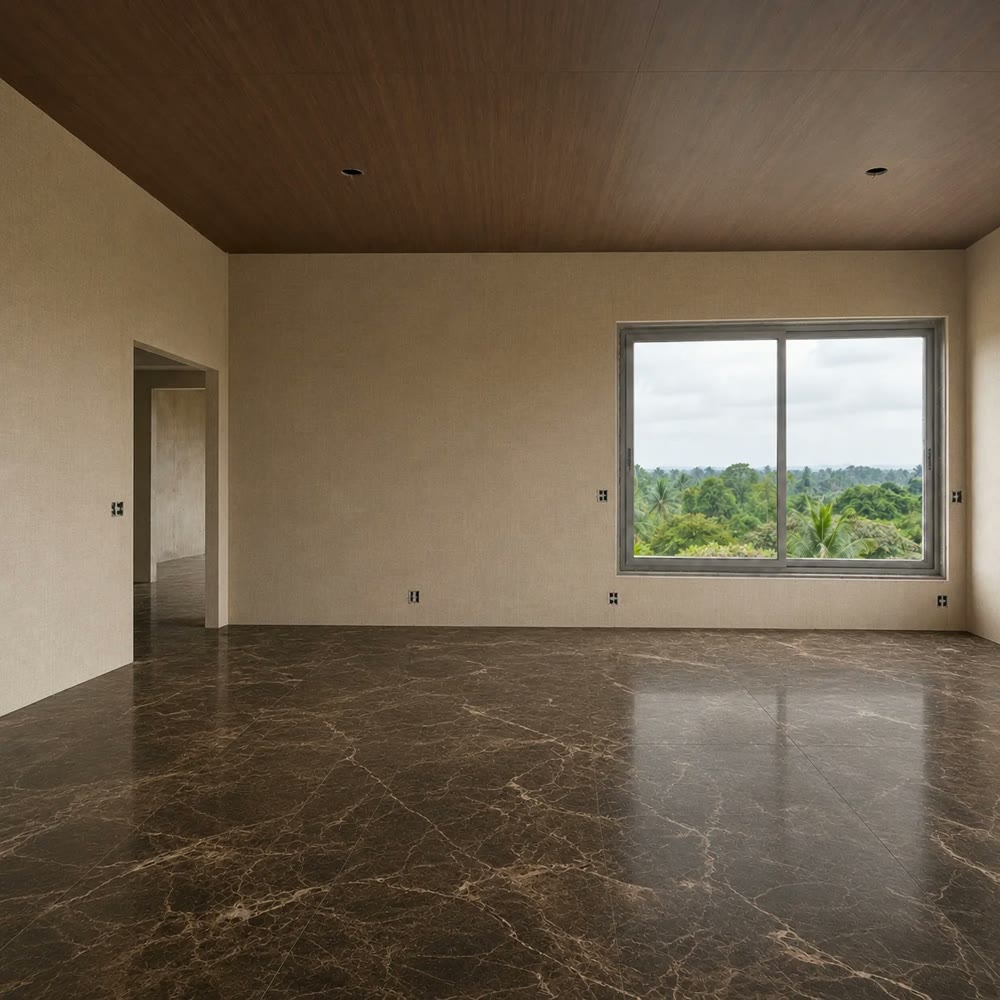
One finish, a different room
Compare four looks in the same living room by changing the floor and wall finishes. Help customers see beyond a small sample and picture the whole space.
Right on the product page
Customers place your products on photos of their own space, with tile size and grout at true scale.
Try products and grout settings in the sample spaces below. In your deployed service, customers can upload photos of their own spaces.
Products
Where will you use it?
Materials and sizes vary by space. Try them right on a photo of the one you pick.
› › › Visualize in your space
Selected surfaces
3surfaces
Total area
59.7m²
Quantity
89pcs
Surface 4,760 × 3,400 mm
Product Cool White Polished
Grout width
Grout color
Orientation
Store and product names are placeholders. The same engine powers the sales gallery and showroom kiosks.
True to size, down to the grout
Tile size and grout width can turn the same product into a different wall.
True scale
Calculated from the wall's dimensions, so proportions match the installed result.
Grout width and color
Rendered at actual size, from 2mm to 10mm.
Real light and shadow
The photo's own shading stays. Windows and doors stay clear.
Tile size (mm)
Grout (mm)
7.9 across · 2.0 down · about 16 pcs
Grout is drawn 4× wider than actual so it's easy to see. Quantities use real dimensions.
Where it works
Online product page
Cafe24, Godomall or a custom store. Add one ‘Try it in your space’ button to the product page.
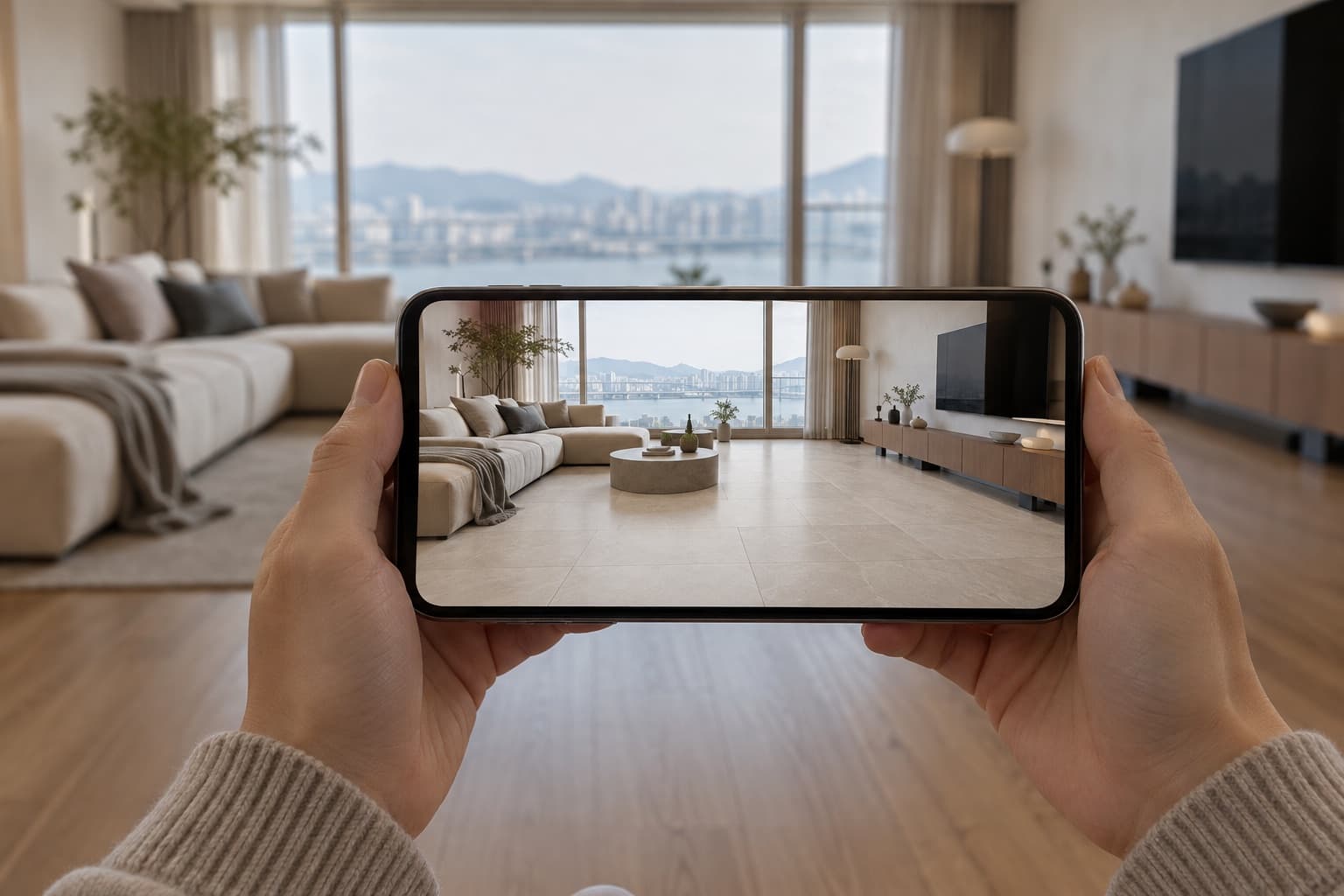
Sales gallery
Visitors try it while they wait, then review designs with a consultant.

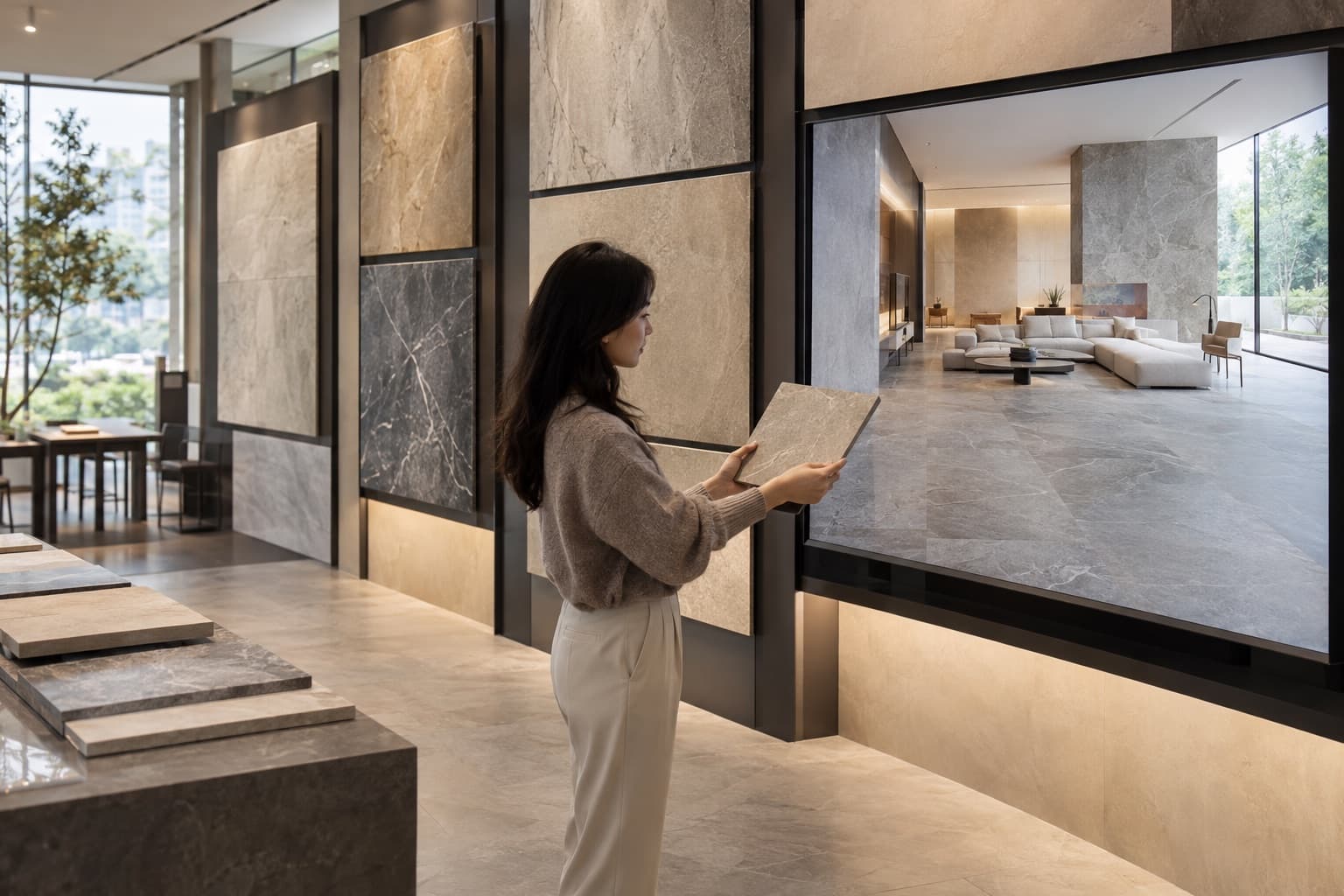
Material showroom
Compare finished rooms, not sample chips.
Homeowner upgrade events
Use instant visualizations in consultations on optional upgrades and interiors.

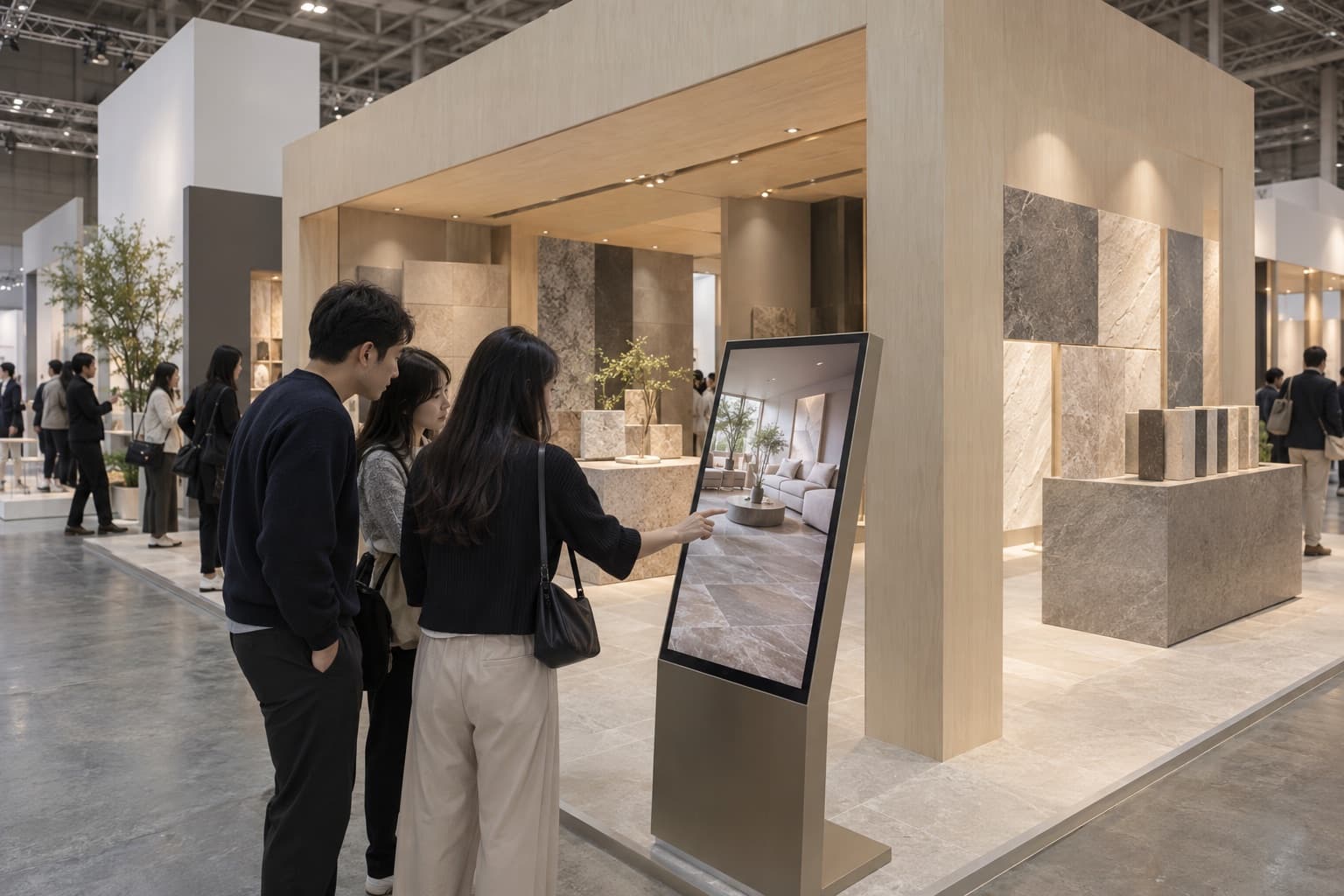
Trade show booth
Show new products in a floor plan that matches each visitor's home.
How visitors use it
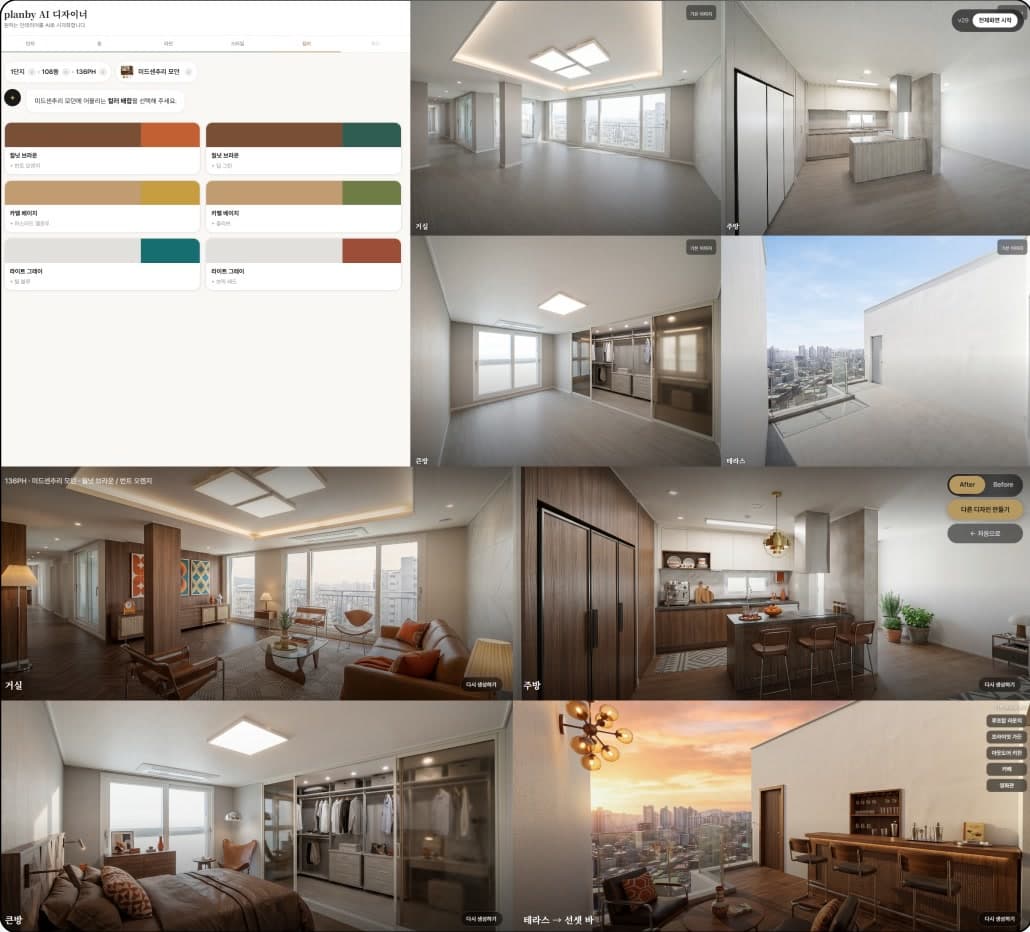
Big buttons, few steps. It works at the consultation desk and in the waiting area.
- 1Visitor check-in
- 2Pick a unit type and room
- 3Pick a style, color tone and finishes
- 4AI generates the design
- 5Connect to a consultant, save the session
- Device
- 32-inch touch kiosk, rental
- Integrations
- Admin dashboard · visitor CRM
Three steps to launch, starting with a pilot
1image
Add products
Use the same product setup process whether your catalog has 100 products or 500.
1setup
Add spaces
Set up the surfaces once, then apply products to that space.
1button
Install the button or kiosk
One button on the product page. On site, we install and run the kiosk.
- Pilot2–3 wksProve it with 6–10 products, 2 spaces and 1 product page
- Scale4–6 wksFull catalog, more spaces
Review the pilot results before deciding whether to expand.
Who we've worked with
Contractors and building material makers who work with Planby.








Korea Construction News, 2026. 6
Planby brings AI interior service to Hillstate Icheon Station move-in event
See the newsroom
Three products and one room photo
We'll rebuild this demo with your products and send it over. No cost, no contract.
What we need
- Three products
- Straight-on surface images, or a link to your online store
- Size and finish
- e.g. 600×1200, matte
- One room photo
- A shot with a wide view of the wall