
Loading

← AI in Architecture

Free K-Architecture Assets, and how to make your own with Plana

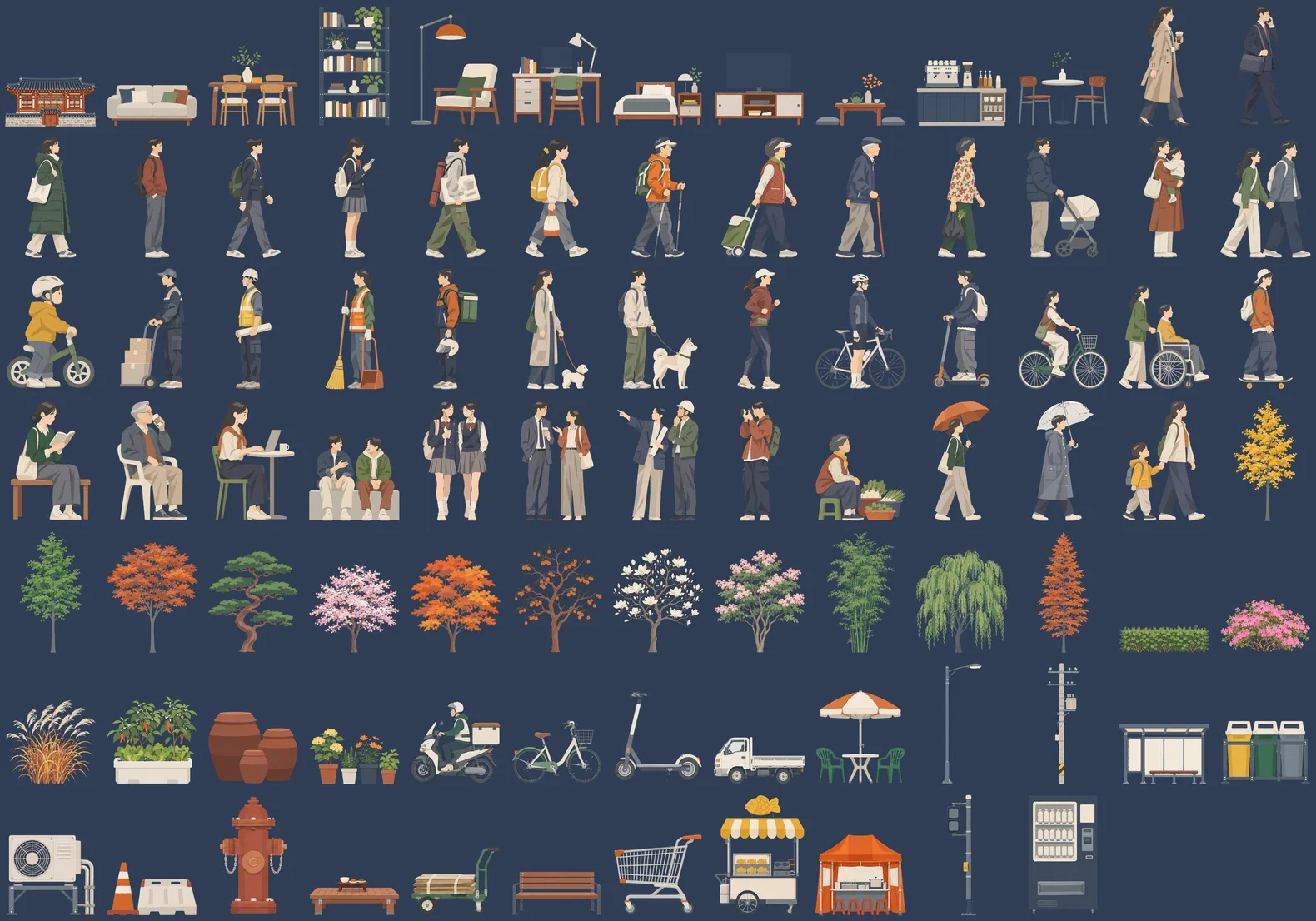
100 transparent PNGs: people, trees, street items, furniture, buildings, mountains and clouds. What isn’t in the set, you can make in Plana from one short request.

Format
Prompt guide
Tools
Plana Deep Think, Photoshop
Made
7 Nov 2026

How to make your own for free with Plana

Six steps from sign-up to a saved PNG. Keep your request short: Deep Think writes the prompt the image needs.

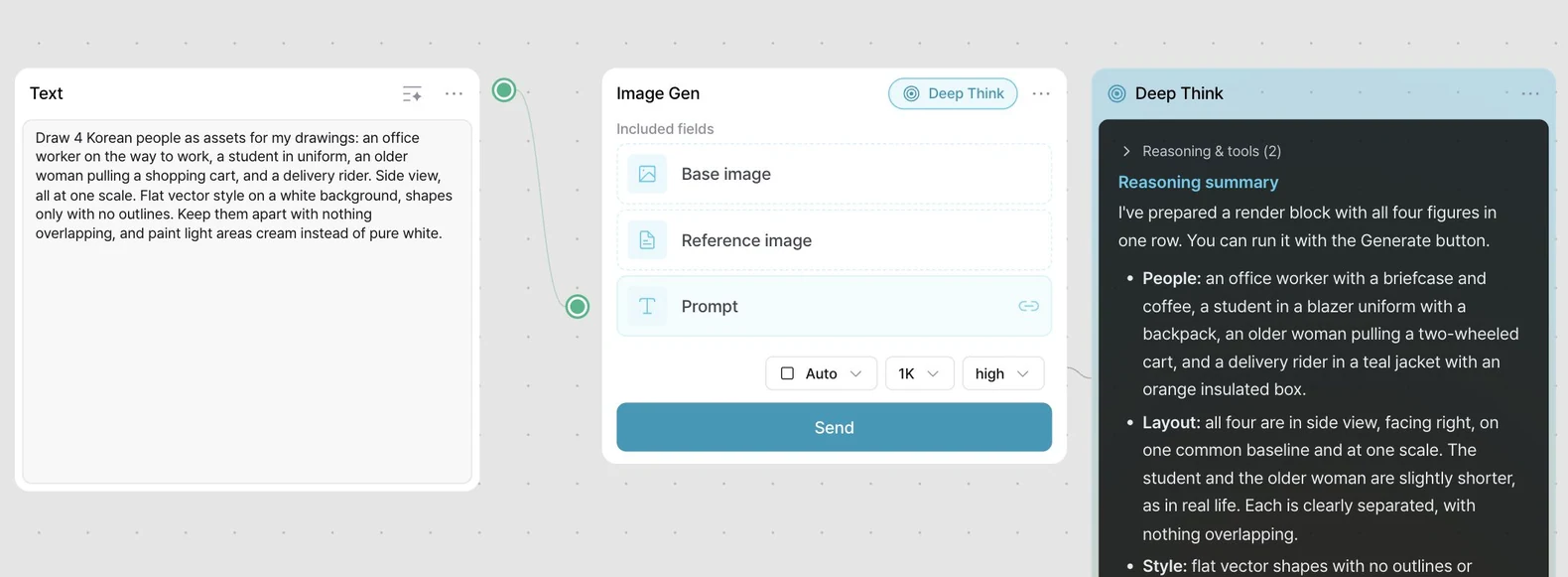
The Plana canvas from Text and Image Gen to Deep Think
  1. 01

    Sign up for Plana

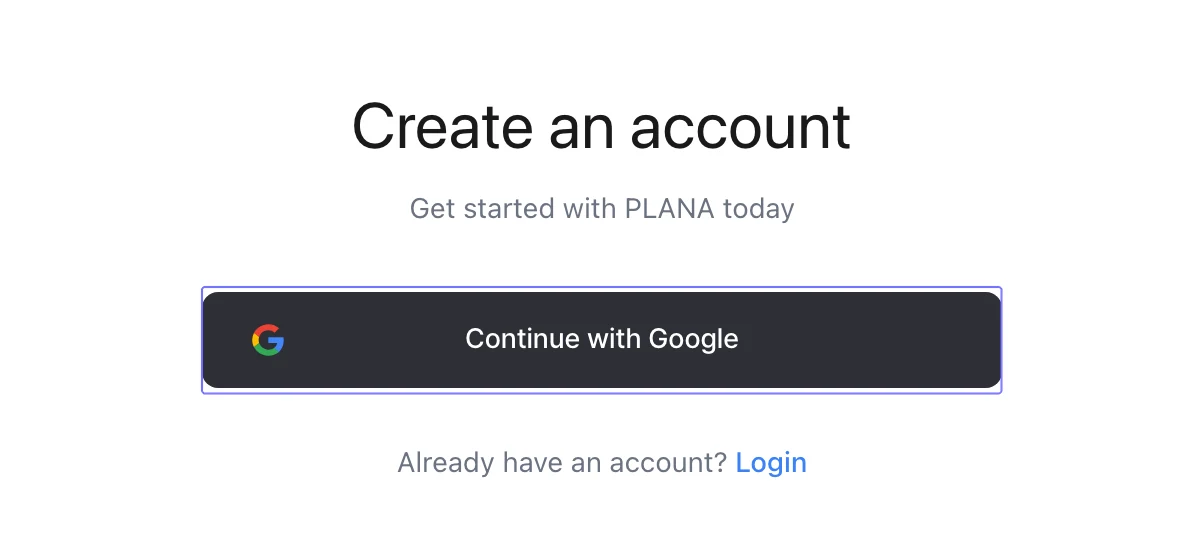
    Sign up with your Google account.

    The Plana sign-up screen with the Continue with Google button

    Sign up for Plana

  2. 02

    Start the 7-day free trial

    Click Start free trial. No card needed.

    If you closed the prompt, the same button is under Usage in Settings.

    The My plan screen with the Start free trial button
    Example screen
  3. 03

    Open a new workflow

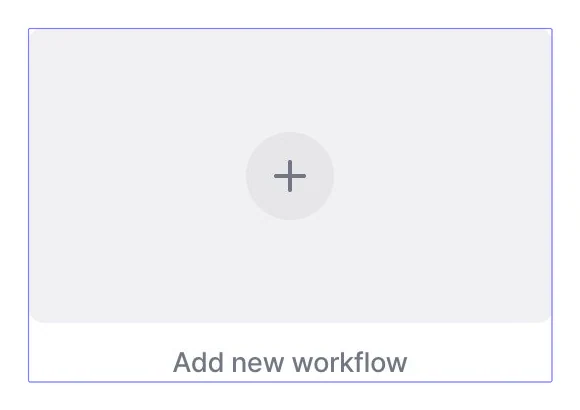
    On the home screen, click Add new workflow. The canvas opens.

    The Plana home screen with the Add new workflow tile
    On a phone
    Start from New chat on the project screen, and send the same prompt without the canvas.
  4. 04

    Add the prompt and send

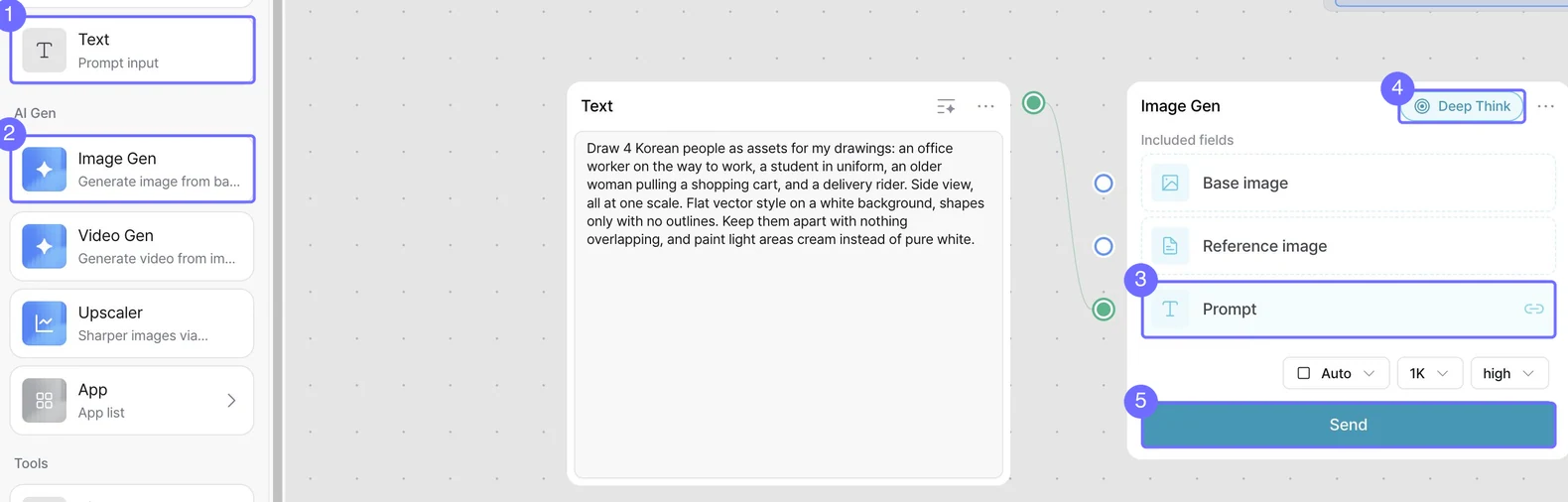
    From the left panel, drag 1 Text and 2 Image Gen onto the canvas.

    Click the Text node and a dot appears at its top right. Drag the dot onto the 3 Prompt field.

    Paste the prompt below into Text. Check that 4 Deep Think is on, then click 5 Send.

    The Plana canvas with the Text node, Image Gen node, Prompt link, Deep Think and Send button

    Starter prompt

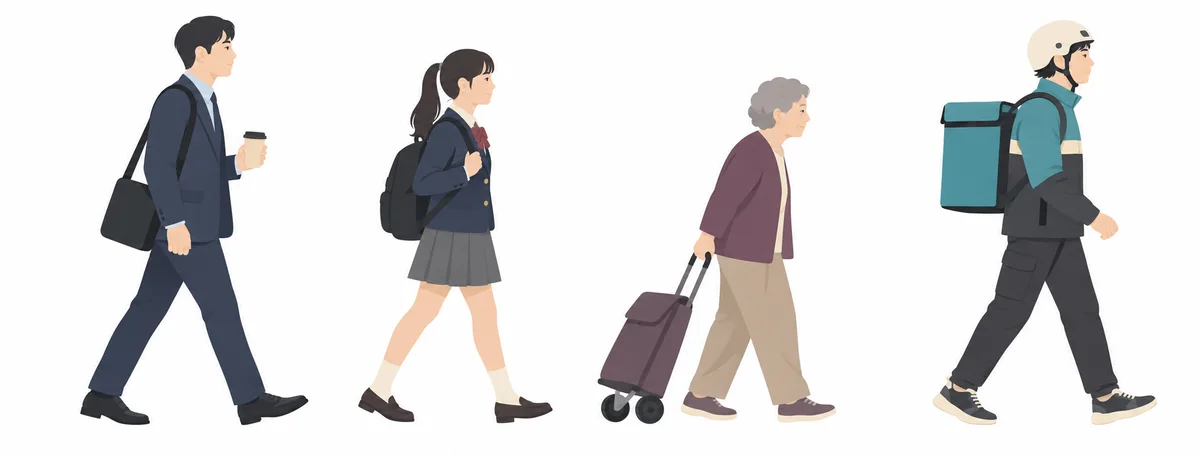
    Draw 4 Korean people as assets for my drawings: an office worker on the way to work, a student in uniform, an older woman pulling a shopping cart, and a delivery rider. Side view, all at one scale. Flat vector style on a white background, shapes only with no outlines. Keep them apart with nothing overlapping, and paint light areas cream instead of pure white.
  5. 05

    Check the summary and generate

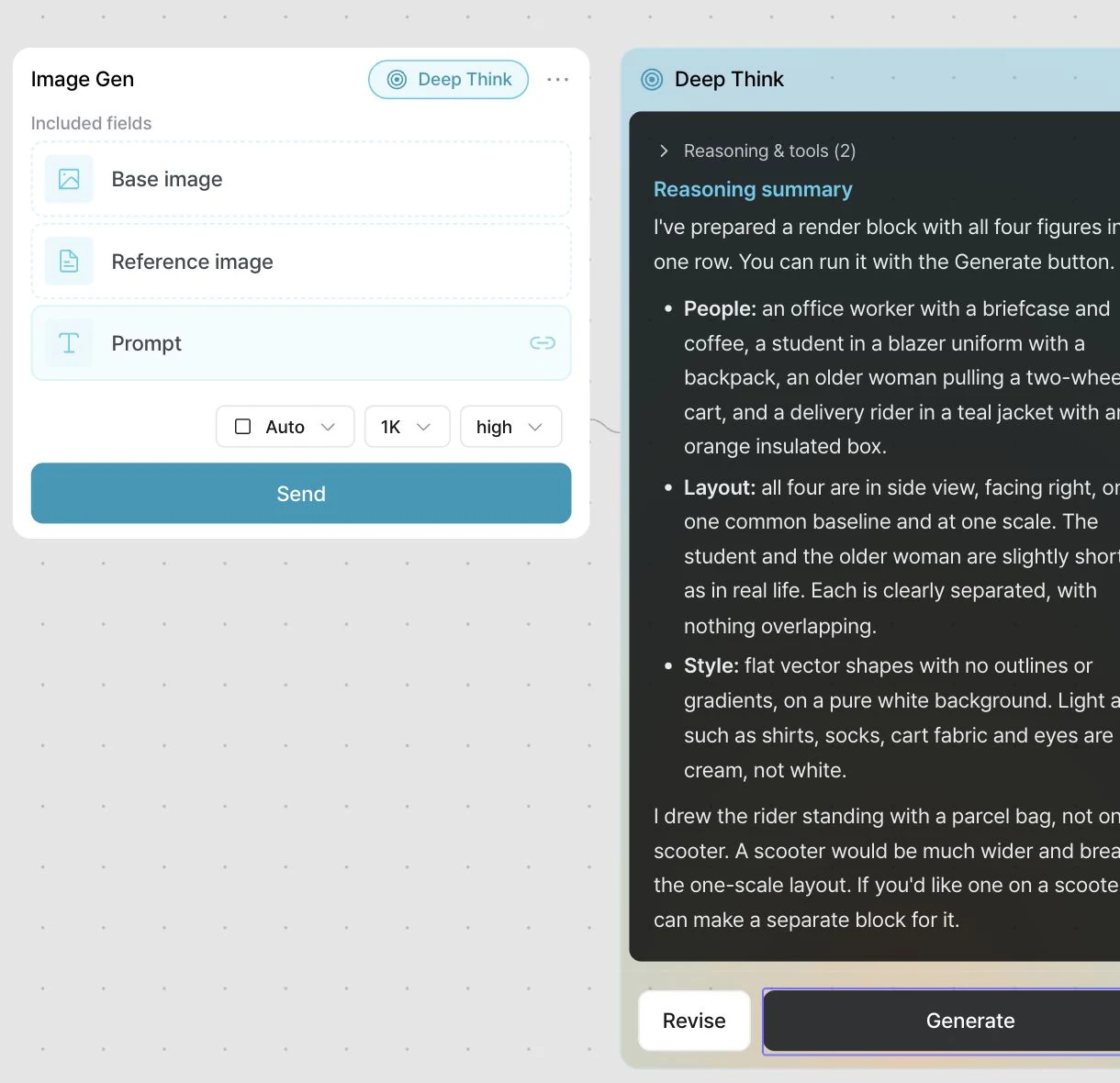
    Deep Think reads your request and writes the prompt the image needs. If the request is vague, it asks about style, view or mix with a few choices.

    Check the summary and click Generate. The result appears in an image node on the right.

    The Deep Think node with its summary and the Generate button
  6. 06

    Delete the white and save as PNG

    Save the image with the download button on its node, then open it in Photoshop.

    1. Unlock the Background layer in the Layers panel.
    2. Pick the Magic Wand and turn on Contiguous.
    3. Click the white background and press Delete.
    4. Save with File > Export > Quick Export as PNG.
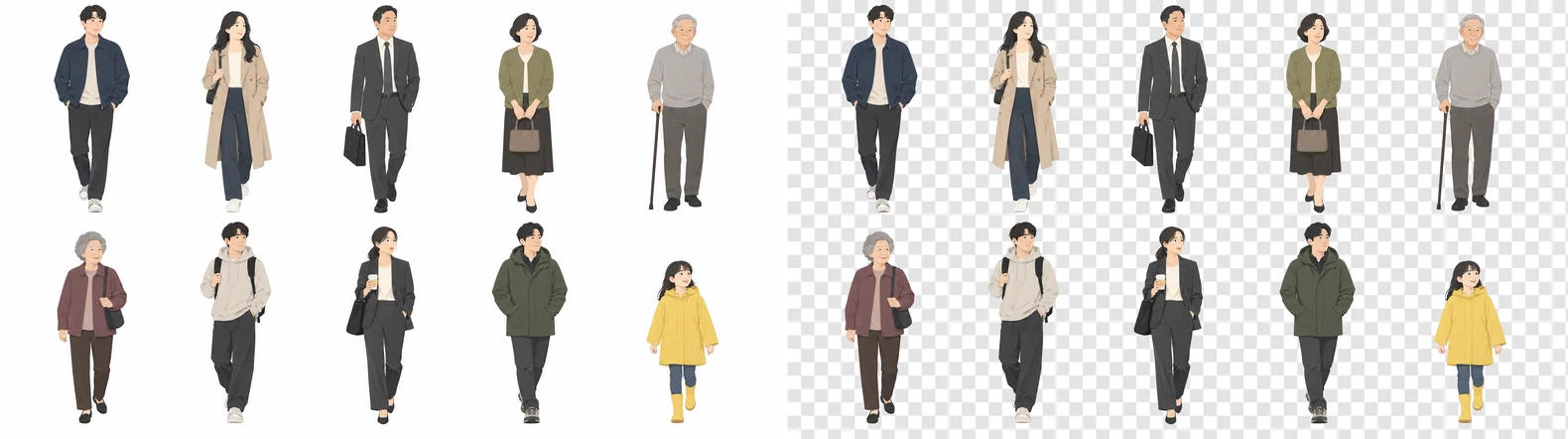
    The people on white beside the same people as a transparent PNG
    Skip Color Range
    It also takes the small white parts of shirts and sneakers. The Magic Wand with Contiguous on takes only the background.
    No Photoshop?
    In Photopea, a free web editor, you can select the white with the Magic Wand and delete it.

Starter prompts

Copy one and paste it into Text. Change only the subject.

  1. 01

    People

    Korean people assets from this prompt
    Plana Deep Think result

    People

    Draw 4 Korean people as assets for my drawings: an office worker on the way to work, a student in uniform, an older woman pulling a shopping cart, and a delivery rider. Side view, all at one scale. Flat vector style on a white background, shapes only with no outlines. Keep them apart with nothing overlapping, and paint light areas cream instead of pure white.
  2. 02

    Trees

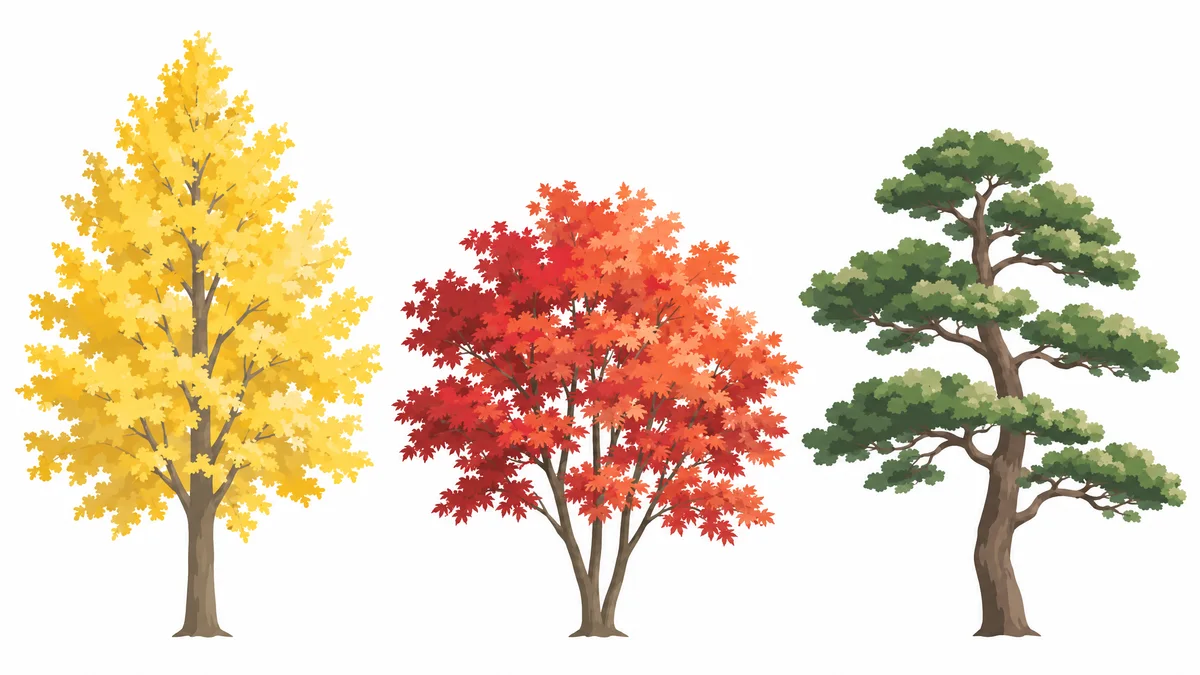
    Example of tree assets from this prompt
    Example result

    Trees

    Draw 3 Korean trees as assets for my drawings: a yellow autumn ginkgo, a red maple and a pine. Side elevation. Flat vector style on a white background, shapes only with no outlines. Keep them apart with nothing overlapping, and paint light areas cream instead of pure white.
  3. 03

    Street items

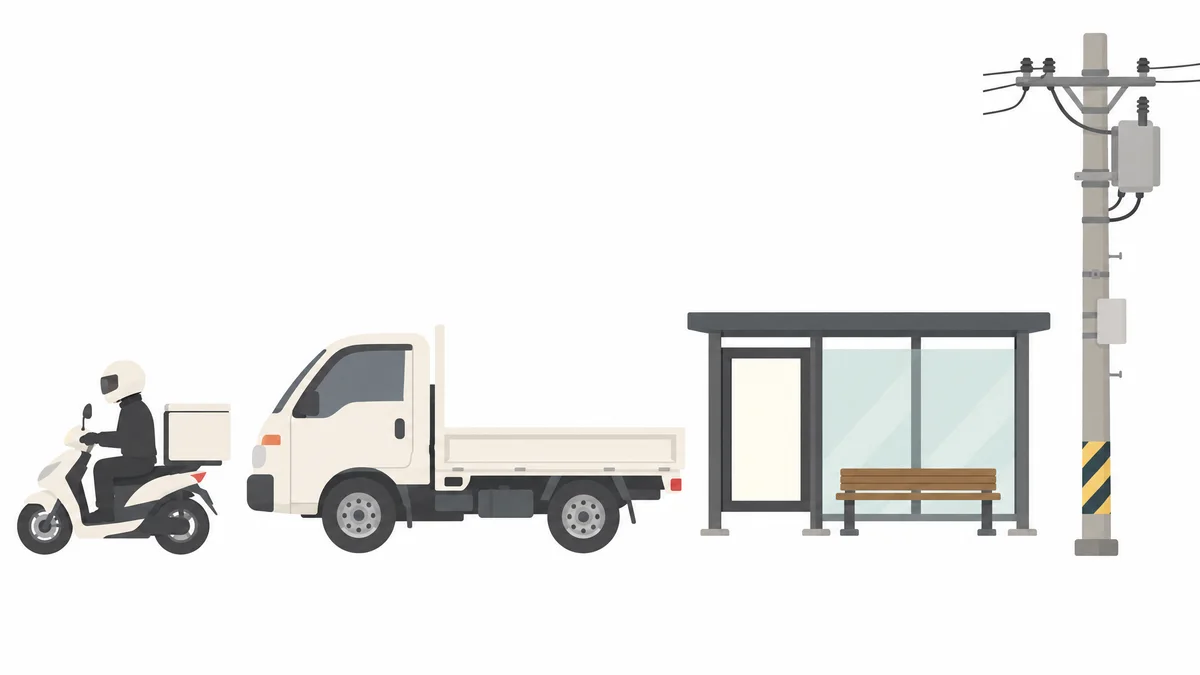
    Example of street assets from this prompt
    Example result

    Street items

    Draw 4 Korean street items as assets for my drawings: a delivery scooter, a one-ton truck, a bus stop and a utility pole. Side elevation. Flat vector style on a white background, shapes only with no outlines. Keep them apart with nothing overlapping, and paint light areas cream instead of pure white.
  4. 04

    Furniture

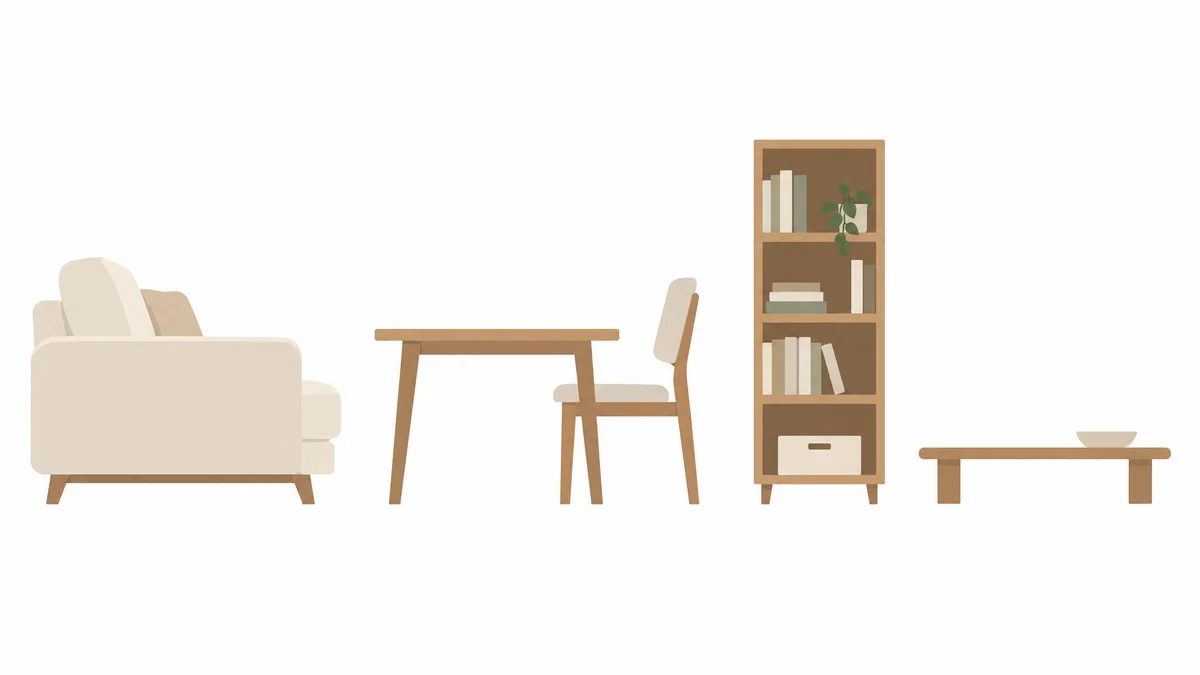
    Example of furniture assets from this prompt
    Example result

    Furniture

    Draw 4 pieces of furniture as assets for my section drawings: a sofa, a dining table and chair, a bookshelf and a low Korean floor table. Side elevation. Flat vector style on a white background, shapes only with no outlines. Keep them apart with nothing overlapping, and paint light areas cream instead of pure white.
  5. 05

    Background building

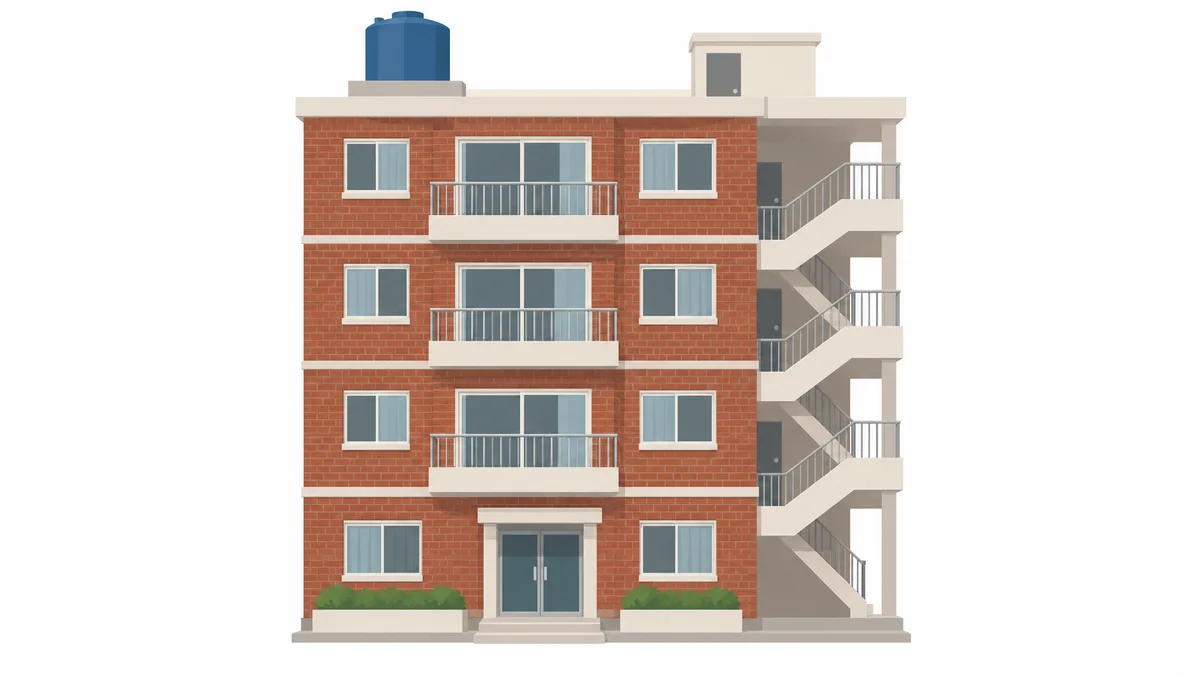
    Example of a multi-family house asset from this prompt
    Example result

    Background building

    Draw one Korean building as a background asset: a 4-story red brick multi-family house with a rooftop water tank and an outside stair. Front elevation. Flat vector style on a white background, shapes only with no outlines. Keep them apart with nothing overlapping, and paint light areas cream instead of pure white.
  6. 06

    Mountain

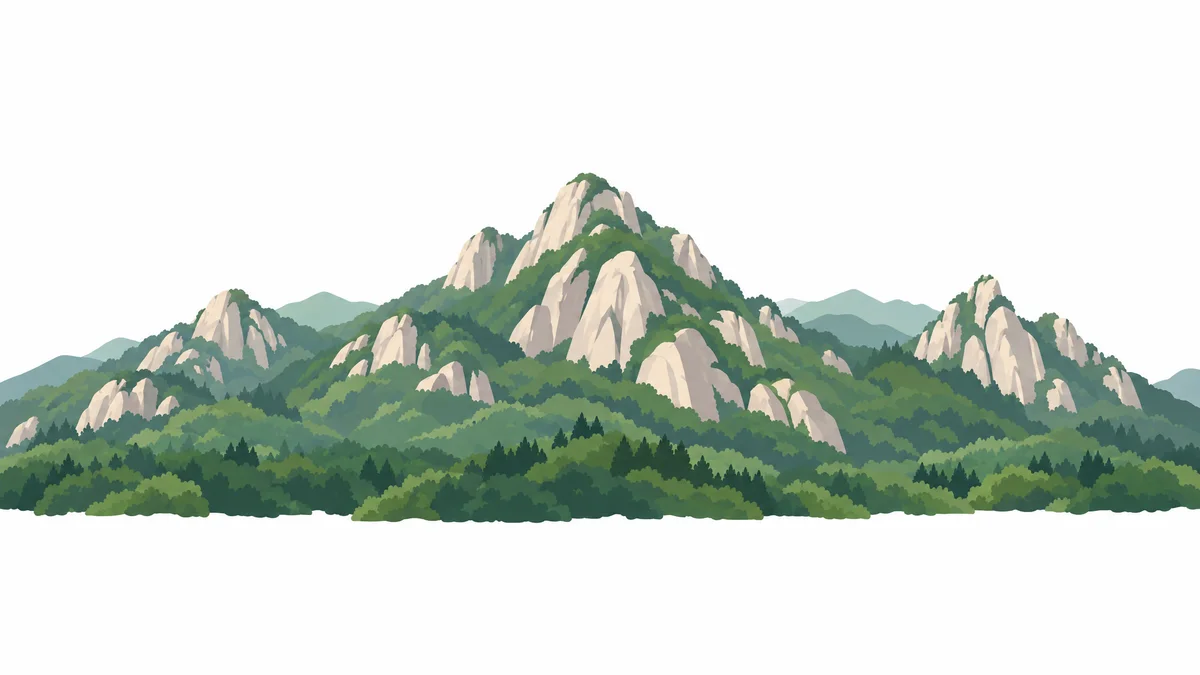
    Example of a mountain asset from this prompt
    Example result

    Mountain

    Draw a Korean mountain as a background asset: exposed granite peaks with forest on the lower slopes, spread wide, with the whole mountain inside the frame. Flat vector style on a white background, shapes only with no outlines. Keep them apart with nothing overlapping, and paint light areas cream instead of pure white.

If the result falls short

  • It comes out like a photo

    Say flat illustration. Without a style, Deep Think may go photoreal.

  • You get only one person

    Give the number, such as 10 people.

  • The background turns grey

    Say white background. Asking only for cream can make it change the background to tell them apart.

AI for architectural design, used by architects

Free for 7 days

4K output, every AI model and Deep Think

Start free
  • Samsung E&A
  • Samsung C&T
  • POSCO E&C
  • Daewoo E&C
  • LG Electronics
  • Korea Airports Corporation
  • CBRE
  • Netform R&D
  • CNP Dongyang
  • AJU Group
  • HAUD Engineering

100 K-Architecture Assets

No sign-up needed. The backgrounds are transparent, so they drop straight into drawings, perspectives and presentations.

40
People
18
Plants
20
Street items
10
Furniture
6
Buildings
6
Mountains and clouds
All 100 assets: people, trees, street items, furniture, buildings, mountains and clouds
Get all 100 assets

ZIP, 33 MB, 100 transparent PNGs. Free for commercial projects. Don’t sell or redistribute the assets themselves.

Assets and pictures made by Planby with image-generating AI. Deep Think is available from the Pro plan and is included in the 7-day free trial.

Let's talk about AI for your team

Tell us about your work and challenges, and we'll suggest the right products and how to adopt them.

We collect your name, company, work email, phone, department and role, plus visit data (page URL, referrer, UTM and time of visit) to see how you found us. We use it to respond and send materials, keep it for one year, then delete it.

We use your information to respond to your inquiry. See our privacy policy for details.