

From 2D drawings to BIM models for review
We developed a workflow that turns DWG and DXF drawings into BIM models with walls, doors, windows and spaces. Users can compare the model with the drawings, make adjustments and export the reviewed version as an IFC file.
Drawing review, BIM model editing and IFC export in one workspace
- Customer
- AJU Group
- Areas
- Visualization · Review
1Problem — Understanding spatial relationships across drawings
Understanding a space from separate plans and sections requires checking floor heights alongside walls, doors and windows. Automated interpretation also leaves details that need human judgment, depending on how the drawings are structured and what information is available. This project focuses on creating a model for spatial review while allowing users to check uncertain details against the original drawings and adjust them.
2Input — DWG and DXF drawings with floor settings
Inputs include DWG or DXF plans, plus section and elevation information where available to establish heights. Users confirm floor divisions and wall and floor layers, then specify elevations and storey heights.
3Process — Building architectural elements and checking them against drawings
The workflow preserves the originals and identifies drawing regions and layers in a working copy. Selected lines and blocks become architectural elements, including walls, doors, windows and spaces. Heights are based on drawing evidence and user settings, with estimated values flagged for review. Users inspect the model in floor-by-floor 3D, plan and section views, edit walls, openings and materials, and save a new model version.
4Output — A BIM model with architectural element information
The output is a BIM model for review, containing architectural element classifications, floor organization, and selected element properties and material information. Users can inspect spatial layouts and opening locations, then export the current reviewed version as an IFC file to share.
Key outcomes
- Drawing lines and blocks organized into BIM elements, including walls, doors, windows and spaces
- Floor-by-floor review and editing of spaces and elements against the drawings
- Edits saved as new model versions, with access to revision history
- IFC export of the current model version reviewed on screen
Could this work on your projects?
Tell us about your challenges, and we'll explain how a similar approach could apply.
More case studies


AI aerial rendering for industrial plants
Scattered design data, restructured so AI can use it. Fine-tuned models and section-level prompts run as a lightweight deployment on the client's own infrastructure.
Phase 1 live, now in support and maintenance
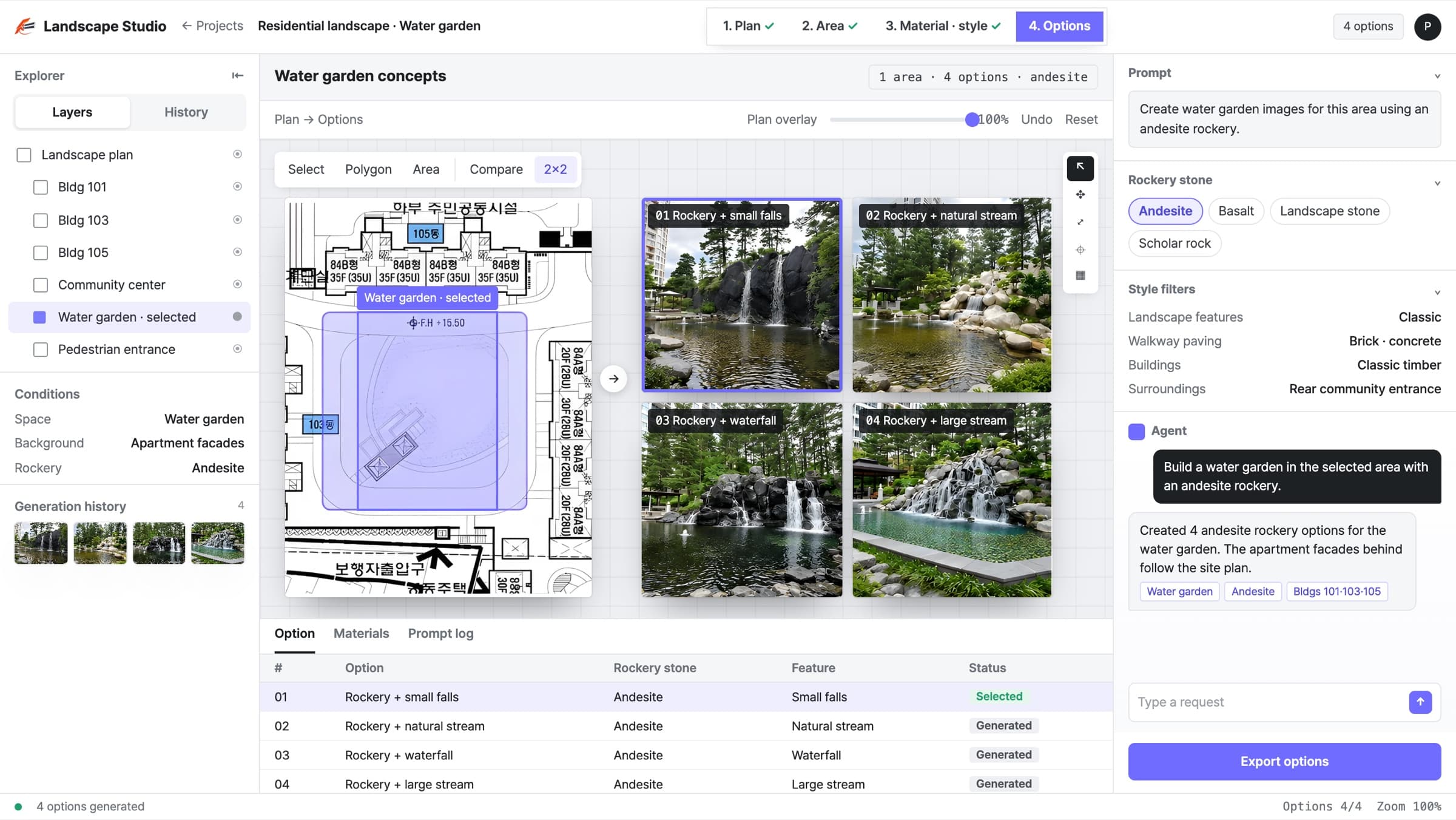

Landscape options from site plans
Select an area on an early landscape plan and describe what you want. A model trained on Korean residential landscapes generates the options.
4 landscape options per area, in one pass
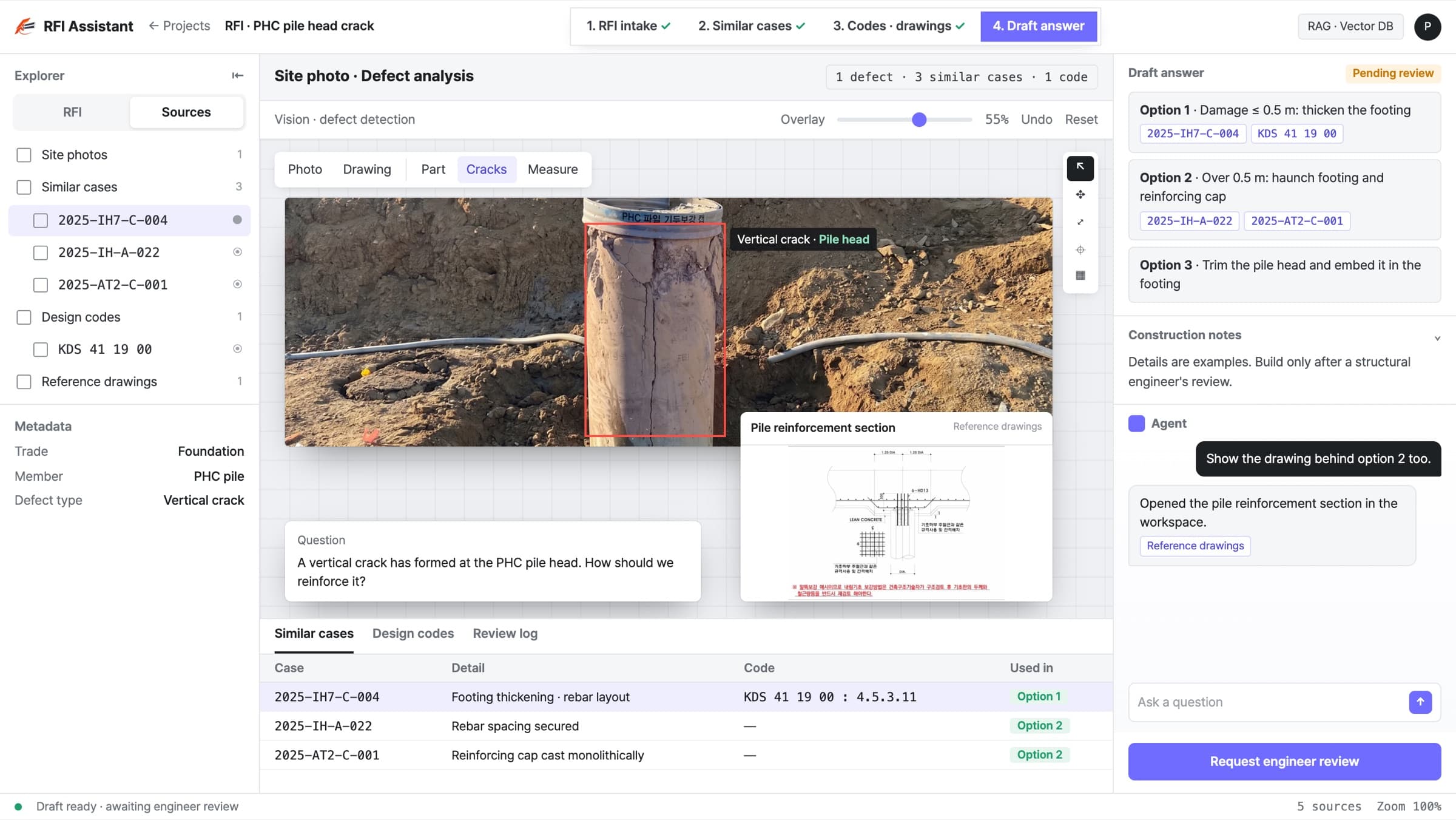

RFI answers for structural review
RFIs, structural drawings, and site photos, structured into one knowledge base. It finds similar past cases and drafts answers that cite the governing code clauses.
Draft RFI answers from similar past cases